Getting Started#
Installation#
tubenoisseur is a Go project. That means you can install the program directly from the language!
Option A: Via Go
go install github.com/gbr-ufs/tubenoisseur@latestOption B: Standalone Binaries
Precompiled binaries are available at: https://github.com/gbr-ufs/tubenoisseur/releases/latest
Option C: System Package
Linux users can install tubenoisseur from the comfort of their package manager. Just check if your package manager or distro is here:

Your First Report#
Let’s try tubenoisseur out by checking out what The Linux Experiment is using as his sources.
Open your terminal and run the tubenoisseur command. It takes the channel handle (without the “@”, as having to type it out every time would be annoying) as its argument:
tubenoisseur TheLinuxEXP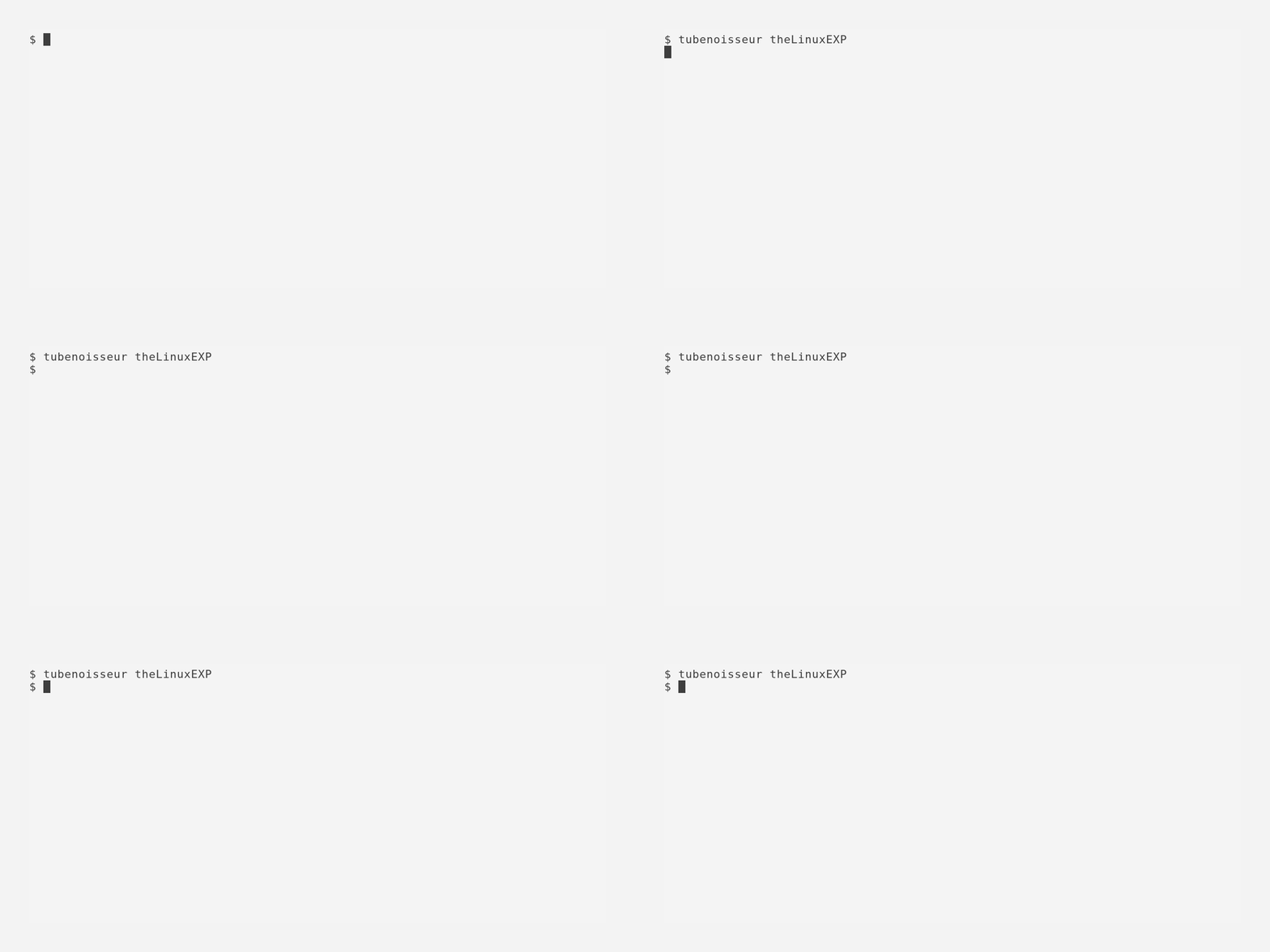
Let’s check it out:
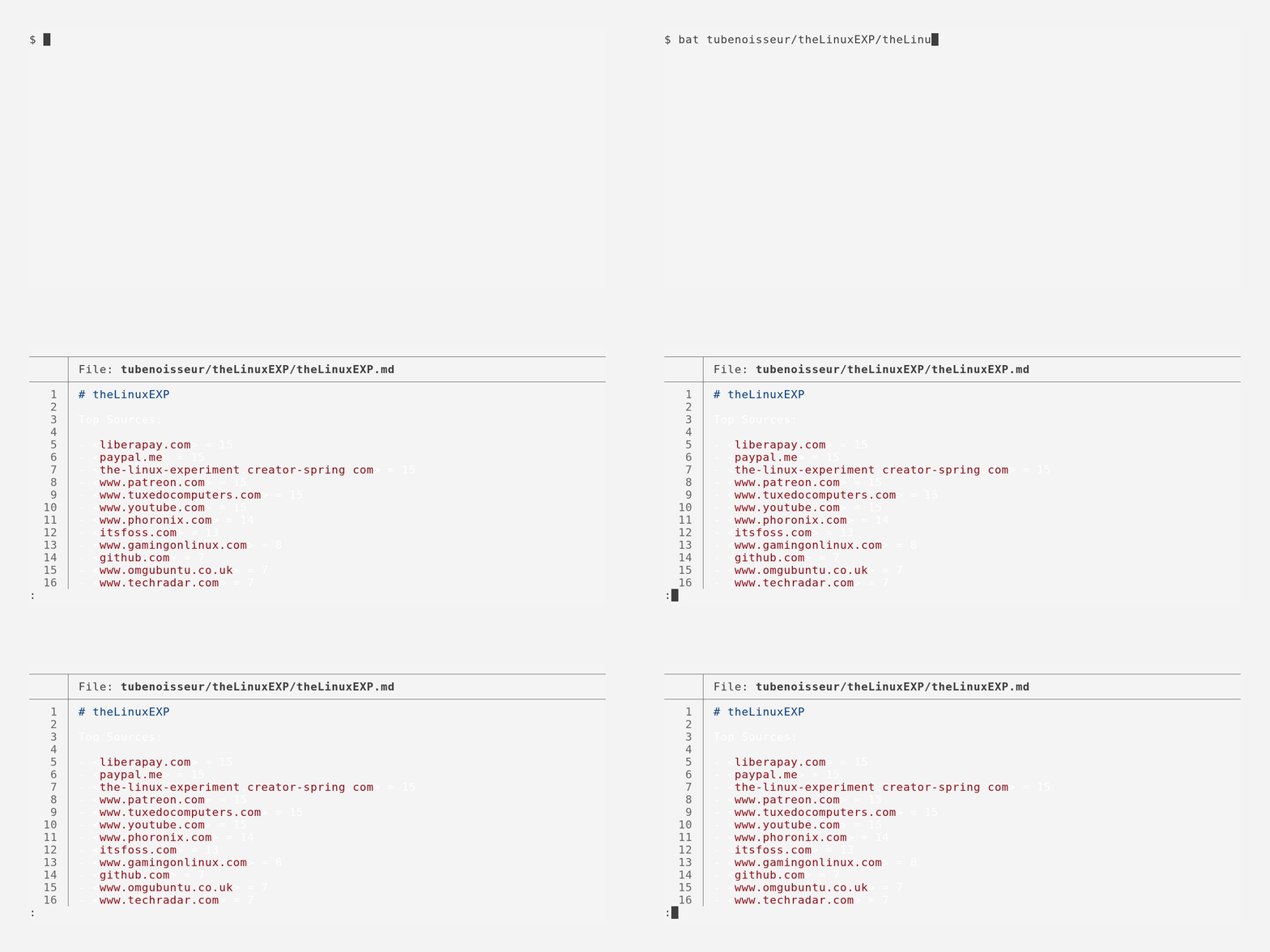
Hm, Tuxedo Computers? PayPal? Liberapay? That seems like a lot of false positives. I think we can do better. Let’s try rerunning with the --exclude flag and with the --debug flag to get some actual output:
tubenoisseur TheLinuxEXP --debug --exclude squarespace.com,www.tuxedocomputers.com,www.youtube.com,www.patreon.com,paypal.me,liberapay.com,the-linux-experiment.creator-spring.com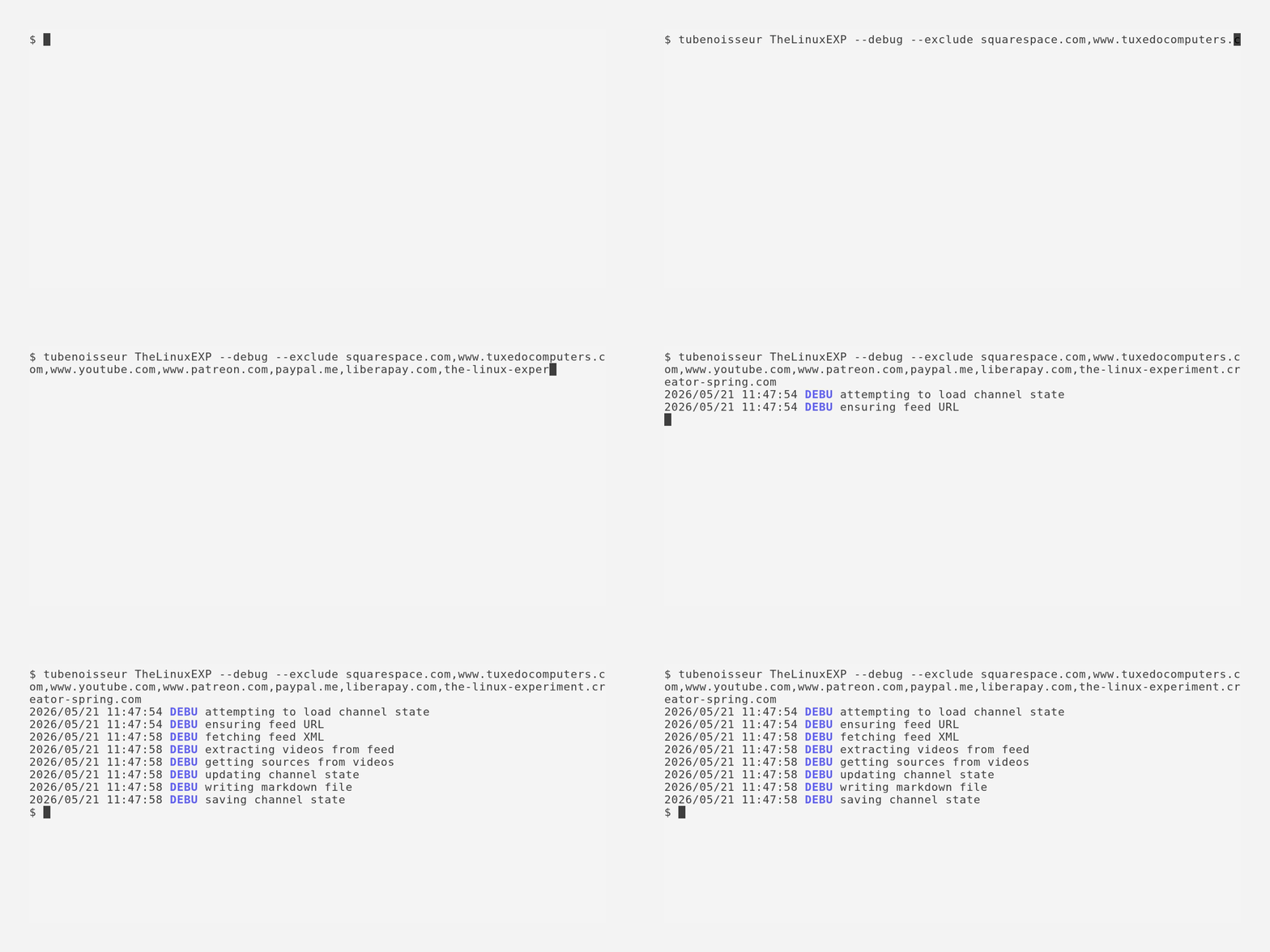
Let’s see it again:
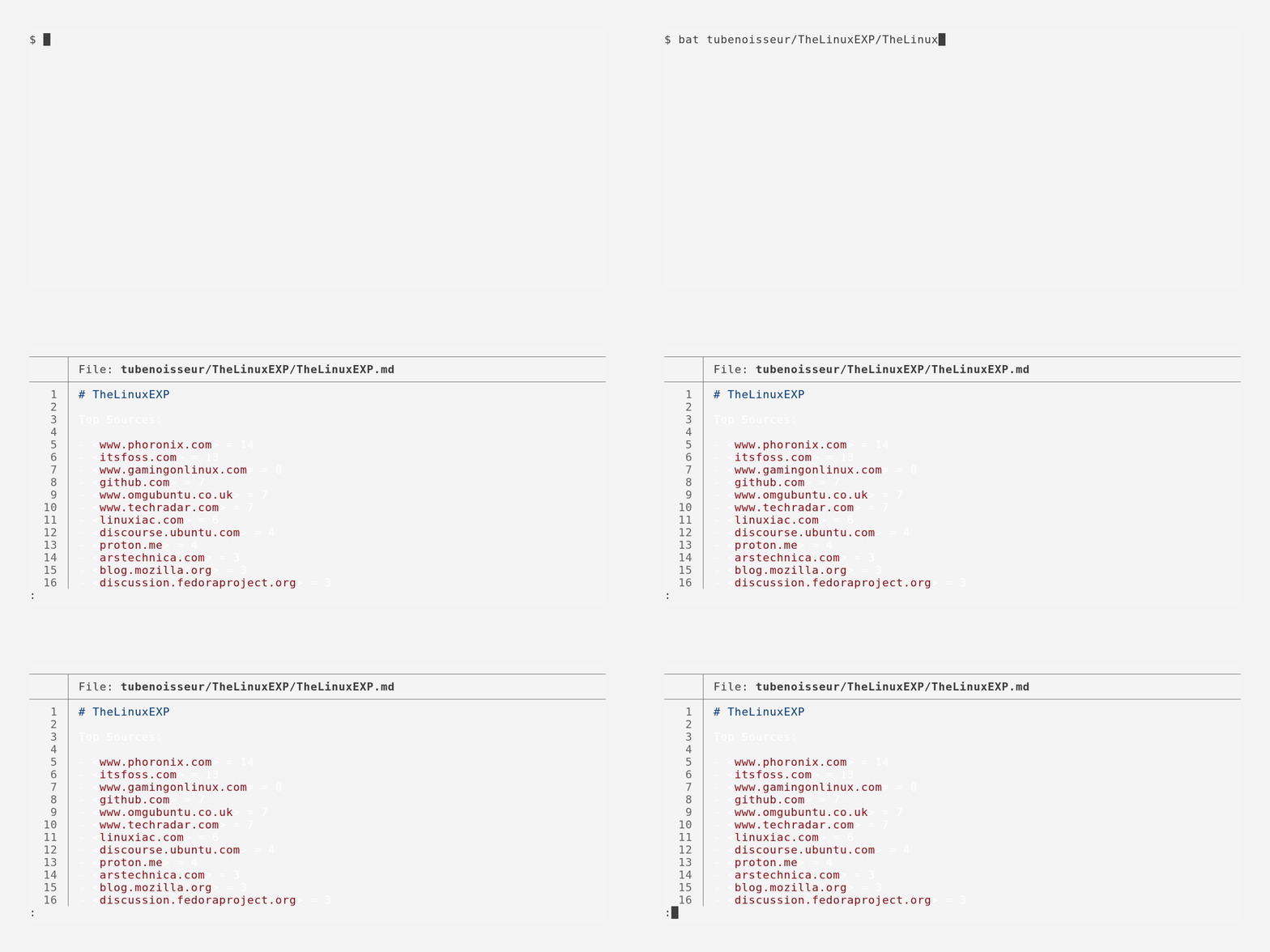
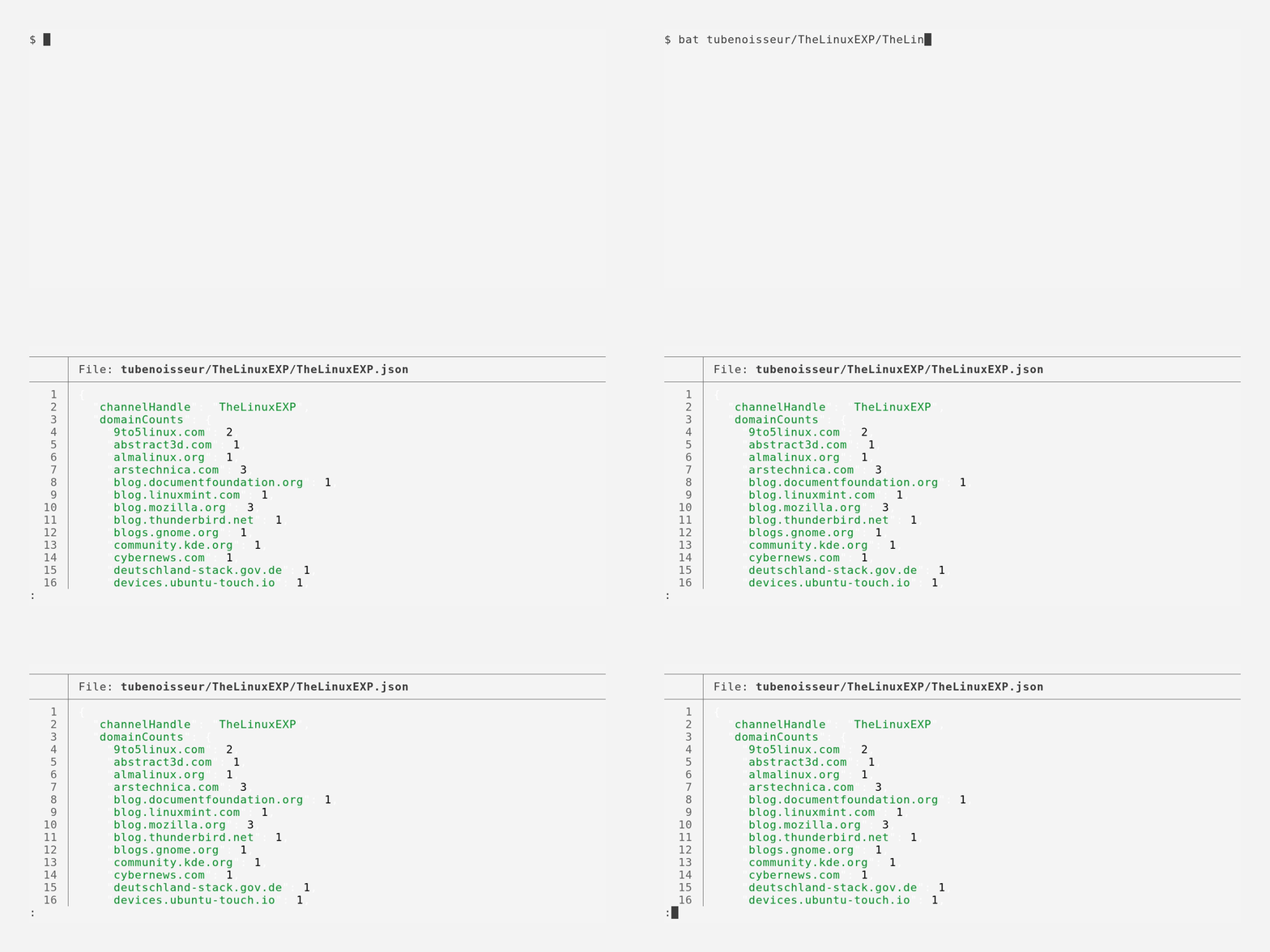
Much better. Now, you might be wandering: “Wow, that really was a lot to type. Do I have to do it every time?”. Lucky for you, the answer is no! tubenoisseur automatically saves the excluded domains, in a per channel JSON file, used for state management. Let’s have a look at it: